
Problems retrieving data from the iPad
Problem with backing up data using iTunes and similar tools
Problem:
The research data on the iPad is stored in separate folders for each study, test leader, and group/class.
If any of these folder names occur more than once with different capitalization (e.g., “proefleider anne” and “Anne”), the transfer system between the PC and the iPad cannot distinguish them and will refuse to proceed.
Corsi version 5.0 build 50 and higher solves this problem by converting everything from “Anne” to “anne.”
After this, iTunes and similar tools can once again work with the app’s internal file system on the iPad.
Solution:
1. Start corsi
Check and remember which version you are using.
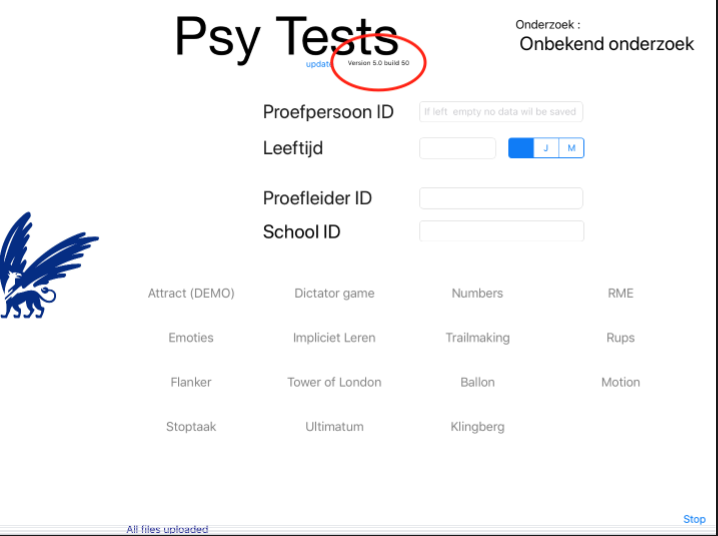
Check if you can find this version in our App Store. (If not, report it via cjj.stoof@vu.nl)
2. Install a newer version of Corsi
Download the most recent version of Corsi from our app store (overwrite the old version, do not delete it first).
Start this version, and the file system on the iPad will now be repaired.
Then close this version, and you can copy your data.
3. Installeer de gewenste versie van Corsi
Installeer de gewenste versie van Corsi vanaf onze app store. Ook nu niet de andere versie van Corsi op iPad weggooien, maar overschrijven.
Nu kan je je data nog steeds kopieren.
Start Corsi en kijk of het de juiste versie is.
Nu kan ka verder met je onderzoek.